
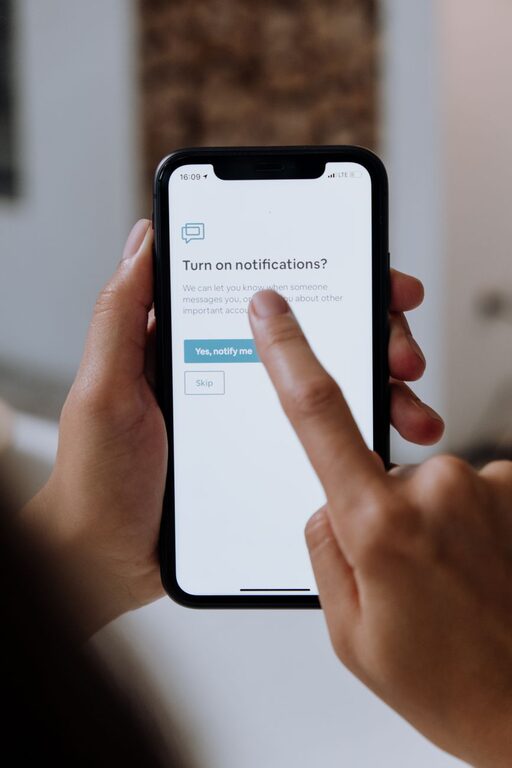
Tips for Setting Boundaries with Notifications to Boost Focus and Peace
In today’s digital world, notifications constantly buzz, beep, and pop up, demanding our attention. While they can be helpful reminders, too many notifications can quickly become overwhelming, distracting, and stressful. Setting clear boundaries with notifications is an important step toward maintaining focus, reducing stress, and improving your overall well-being.
This article shares practical tips to help you take control of your notifications without missing what truly matters.
Why Set Boundaries with Notifications?
Notifications are designed to grab your attention, whether from apps, emails, social media, or messaging platforms. Without limits, they can interrupt deep work, disrupt conversations, and interfere with rest. Setting boundaries can help you:
– Reduce distractions and increase productivity
– Protect your mental health and lower stress
– Create better work-life balance
– Sleep better by avoiding nighttime alerts
– Focus on the task or people at hand
How to Effectively Manage Your Notifications
1. Audit Your Notifications
Start by reviewing all your apps and devices to see what notifications you currently receive. Ask yourself:
– Which notifications are essential?
– Which can I turn off or limit?
– Are there times when I don’t need any notifications?
Most smartphones and computers have built-in settings to show which apps send frequent alerts. Use this tool to identify unnecessary or redundant notifications.
2. Customize Notification Settings
After your audit, adjust settings to suit your needs:
– Turn off notifications from apps that aren’t urgent or important.
– Use “Do Not Disturb” mode during focus time or at night.
– Set priority notifications only for critical contacts or apps.
– Use silent notifications that don’t make sounds or vibrate.
Customizing settings helps reduce interruptions while ensuring you get alerted to important messages.
3. Use Scheduled Notification Times
Instead of reacting to every notification immediately, try scheduling specific times to check them. For example, check emails or social media only at certain intervals during the day. This habit:
– Helps you avoid constant context switching
– Frees up bigger blocks of uninterrupted focus time
– Reduces the anxiety of feeling “always on”
Some devices offer features like Focus Mode or app limits to help you create these scheduled windows.
4. Set Boundaries Around Work and Personal Time
Notifications can blur the line between work and personal life, especially for those working remotely. Establish clear rules such as:
– Turning off work-related notifications after work hours
– Keeping personal phone notifications off during meetings or work time
– Informing colleagues or family about your notification preferences
These boundaries help you be fully present in each area of life.
5. Silence or Minimize Group Notifications
Group chats and social media often generate a high volume of notifications that aren’t always relevant. Consider:
– Muting non-essential group chats or channels
– Setting chat apps to deliver only mentions or direct messages
– Leaving groups that no longer serve your interests
This approach cuts down noise and helps you focus on meaningful conversations.
6. Use Visual or Vibration Alerts Wisely
If you rely on notifications to catch attention, configure them carefully:
– Choose subtle vibration or quiet visual cues instead of loud sounds
– Use different tones for high-priority notifications to differentiate
– Turn off banner pop-ups if they disrupt your workflow
This balance keeps you informed without creating unnecessary distractions.
7. Regularly Revisit Your Notification Settings
Your needs and priorities change over time, so what worked last month might not work now. Make it a habit to:
– Review your notification settings monthly or quarterly
– Adjust based on new apps, work schedules, or lifestyle changes
– Experiment with new features offered by your device or apps
This ongoing maintenance ensures your notification habits stay aligned with your goals.
Additional Strategies for Reducing Notification Stress
Practice Mindfulness
Recognize how notifications affect your attention and emotions. When a notification comes in, pause and decide whether to respond immediately or wait. This awareness can break the automatic reaction cycle.
Use Notification Management Apps
Some third-party apps help manage notifications by grouping them or providing enhanced filtering options. Explore trusted tools that fit your workflow.
Communicate Your Boundaries
Let friends, family, or coworkers know when you prefer to be free from notifications. Clear communication helps set expectations and reduce pressure to respond instantly.
Conclusion
Notifications are necessary tools in the digital age, but without boundaries, they can overwhelm and distract. By auditing your notifications, customizing settings, scheduling check-ins, and setting clear work-life boundaries, you can regain control of your attention. Regularly revisiting your approach and practicing mindfulness will support sustainable habits for better focus and peace.
Start today by taking small steps to tame your notifications and create boundaries that work for you. Your concentration and calm will thank you!
